Game Profiles
Finds your games and gives each one its own settings. Auto-boost starts when a game opens and ends when you quit.
For Windows 10 gaming PCs
Sw1ng Tweaks pauses background work while you play, then brings it back when you stop.
Windows 10, 64-bit. A 260 KB zip.
CPU, GPU and memory on one screen, with Game Boost one click away.
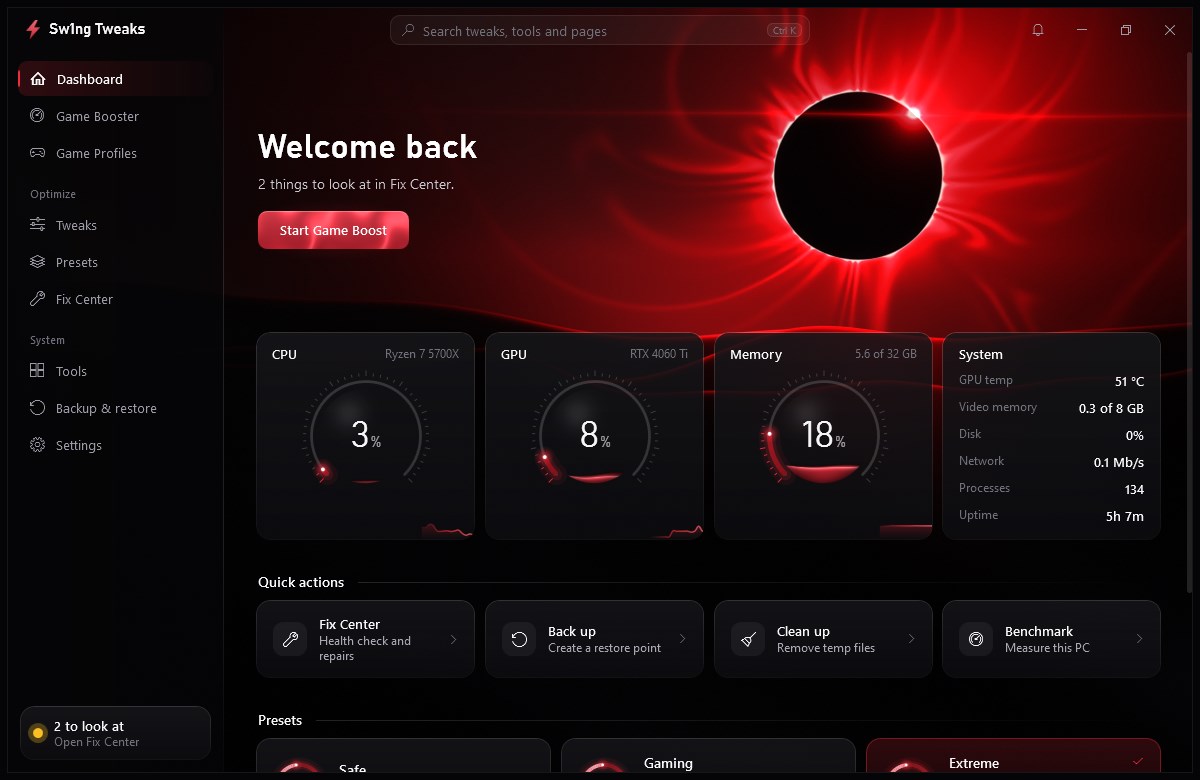
Start with a boost, or go through Windows one setting at a time.
Pauses background services, closes the apps you pick, switches your power plan and frees memory. When boost ends, your services and power plan come back. Apps it closed stay closed until you open them.
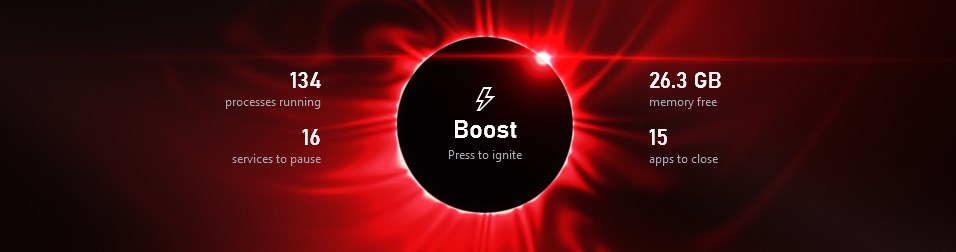
Finds your games and gives each one its own settings. Auto-boost starts when a game opens and ends when you quit.
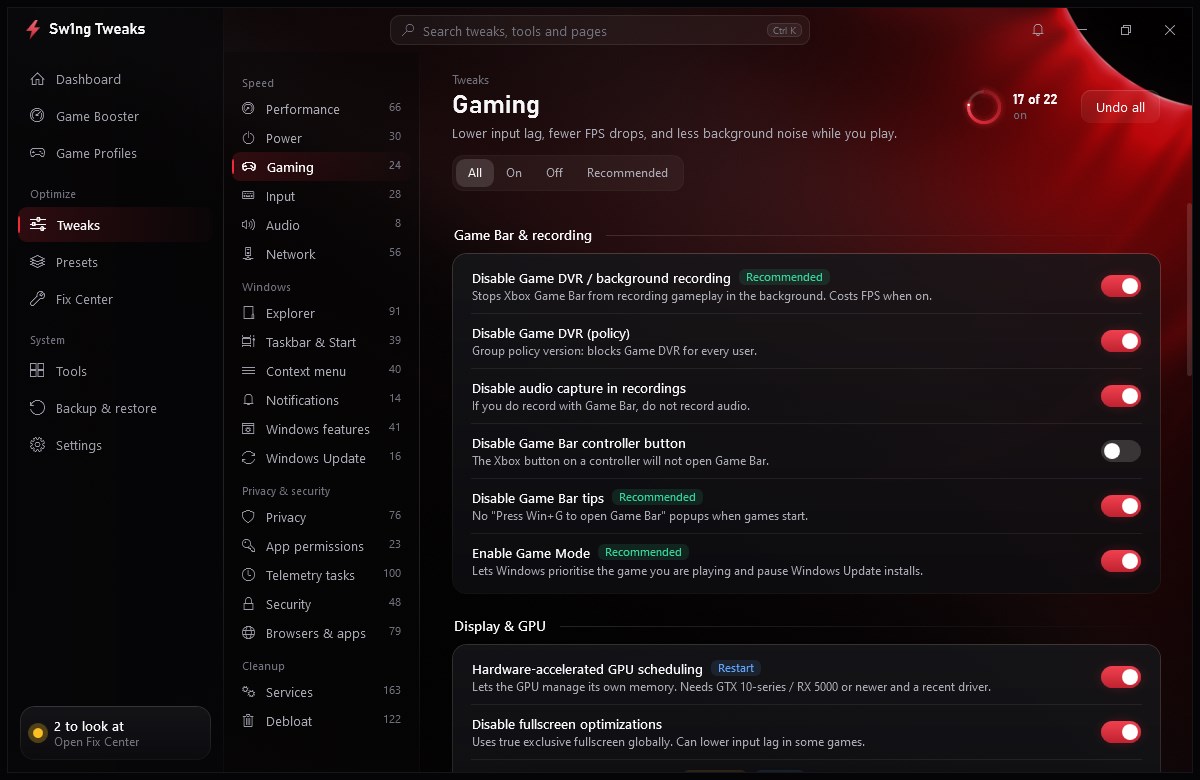
Speed, Windows, privacy and cleanup settings, each with a plain explanation of what it does.
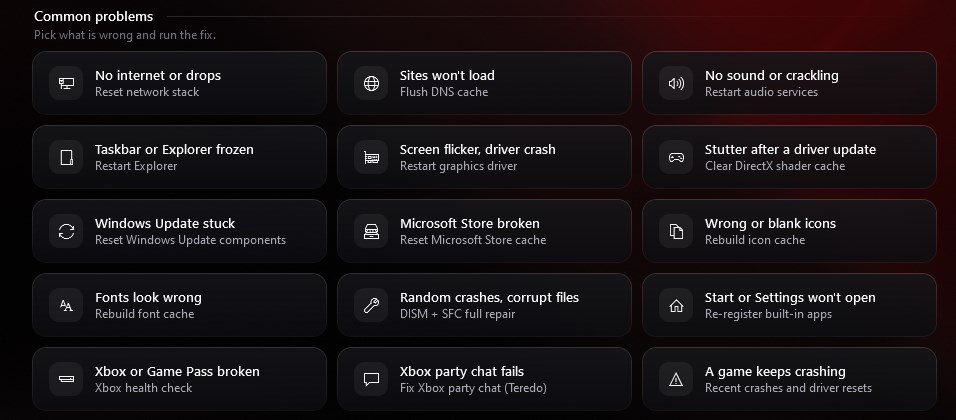
A health check of your PC, with one-click repairs for common Windows problems.
CPU, memory, disk and stall tests. Every run is saved, so you can compare before and after on your own PC.
Health checks and repairs for the Xbox app, Game Bar and Game Pass. Nothing here removes them.
Ping and DNS tests, plus DNS switching. We say so when a tweak makes little difference on a modern connection.
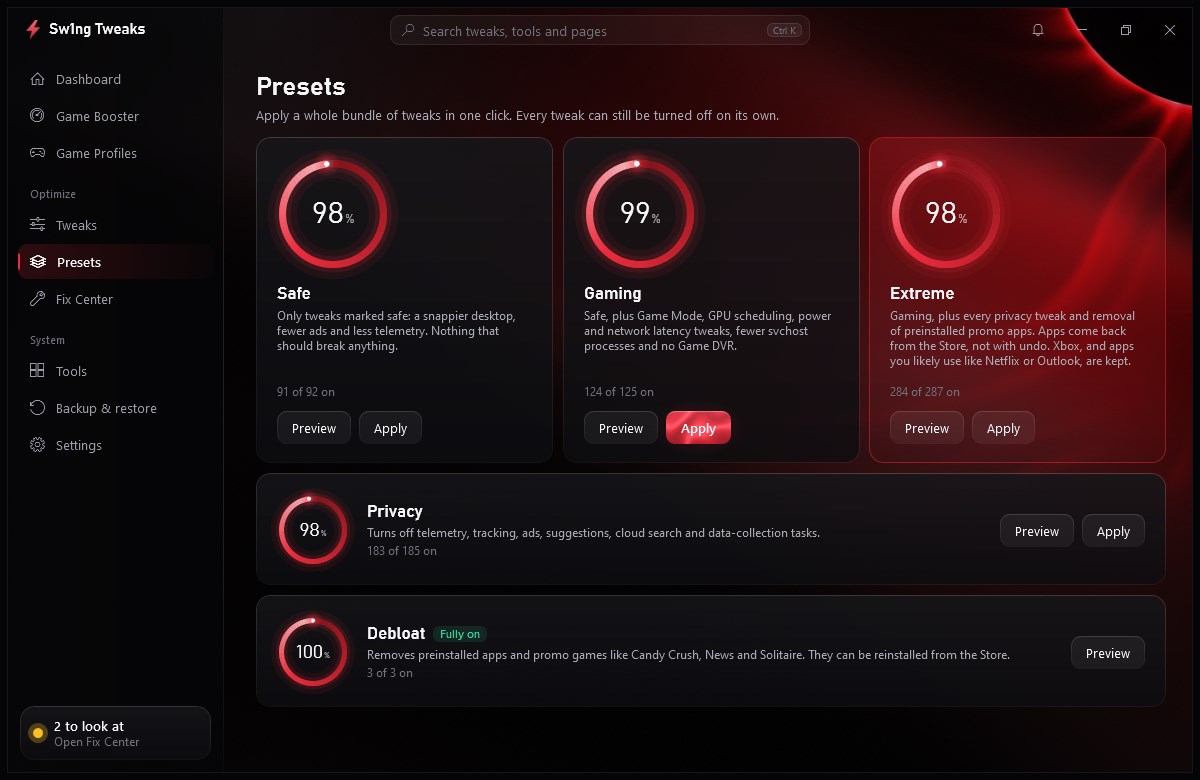
Each preset makes a restore point first. You can also skip them and choose tweaks yourself.
A snappier desktop, fewer ads and less telemetry. Only tweaks marked safe.
Safe, plus Game Mode, GPU scheduling, power and network latency tweaks, and no Game DVR.
Gaming, plus every privacy tweak and removal of preinstalled promo apps. Xbox stays.
Telemetry, tracking, ads, suggestions, cloud search and data-collection tasks off.
Removes preinstalled apps and promo games. You can get them back from the Store.
A tweaking app touches real system settings, so here's exactly how it treats your PC.
The things people usually want to know first.
The app opens with a key, and a free one is made for you when you sign in with Discord or Google. A key works on one PC. If you get a new PC, you can move it from your account page once a week.
Only to check your key: when you first enter it, and about once a week when the app opens. It never checks during a game. It keeps working offline for up to two weeks after its last check. See exactly what it sends.
The app isn't signed yet, so Windows may show "Windows protected your PC". Click More info, then Run anyway. Only do this if you got the zip from a source you trust, and check its SHA-256 below.
It changes Windows settings and pauses services, and Windows only allows that with admin rights.
Presets never remove or pause Xbox, Game Bar or Game Pass, and the booster leaves them alone by default. There are also health checks and repairs for them.
Tweaks can be undone one at a time or all at once, and presets make a restore point first. Removed apps are the exception: get those again from the Microsoft Store.
Nothing runs in the background unless you turn it on under Tools, then Automation. The live scene in the app stops whenever another window is in front, so it isn't running behind your game.
It hasn't been tested on Windows 11 yet. It was built and tested on Windows 10 22H2.
Version 5.1, a 260 KB zip.
SwingTweaks.exe and say yes to the admin prompt. It needs admin rights to change Windows settings.The SHA-256 of your zip should match this exactly.
E4B429F1D38933529D3B38135664FD459C41B67CBB3C3AC6694FF3A038D11C13